Scan
Scan any wallet card
Point the camera at a guest’s Apple or Google Wallet card and their profile opens in about two seconds. Search by name or email when a phone’s flat.
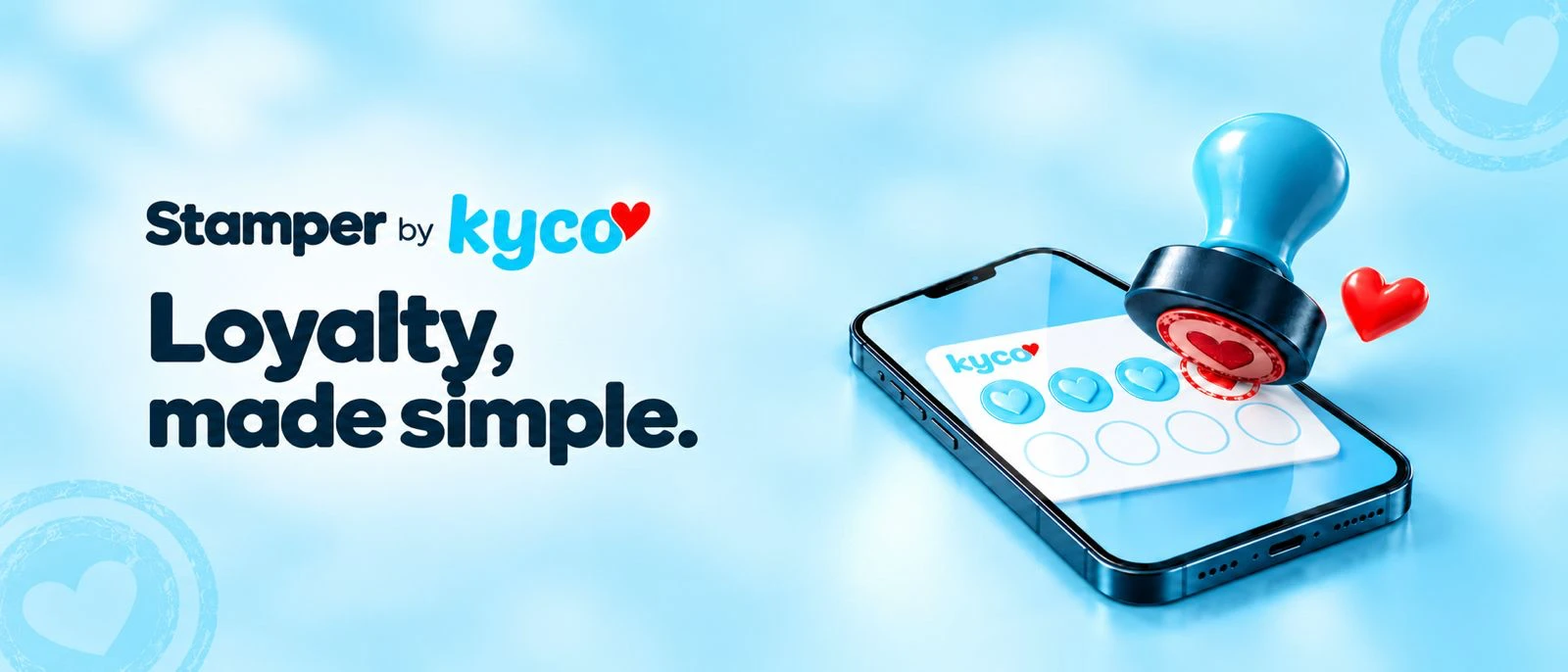
Stamper is the staff app that powers Kyco Loyalty Cards. Scan a guest’s Apple or Google Wallet card with any phone or tablet, add stamps in a tap and redeem rewards at the counter. The card on their phone updates instantly.
Press Stamp on the phone and watch the guest’s wallet card fill up. This is a live demo with sample data.
 Garden Café
 COFFEE CLUB
Live demo · press Stamp card to try
Point the camera at a guest’s Apple or Google Wallet card and their profile opens in about two seconds. Search by name or email when a phone’s flat.
Add one stamp or several for a group order. The guest’s card updates on their lock screen straight away, with no app for them to download.
Redeem a full card or a voucher at the counter and the card resets itself. Every redemption is logged, so nothing is given away twice.
Guest still has a paper card? Link it to a new wallet card with their stamps carried over, so nobody loses out when you go digital.
Send a push to cardholders’ lock screens, like “Double stamps until 11am”, and drop geo pins so their card pops up when they walk past.
Each team member signs in with their own login, and every stamp and reward is recorded with who did it and when.
They scan a table tag or QR code and save your loyalty card to Apple or Google Wallet.
At the counter, staff scan the card with Stamper and add stamps in a tap.
Stamps, rewards and offers appear on the guest’s phone straight away, with no app for them.
Every visit builds your guest list for emails, automations and push messages.
We’ll design your wallet card, set up Stamper on your team’s phones and have you stamping in days.